Your PS5 is a high-performance gaming machine that generates significant heat, and the way it passes that heat to the cooling system matters more than most owners realise. While many gamers focus on the latest titles and accessories, one of the most important factors for long-term gaming enjoyment is something far less exciting: regular maintenance. Understanding when and how to maintain your PS5 can mean the difference between years of smooth gaming and costly repairs or premature replacement.
Why PS5 Maintenance Matters More Than You Think
The Real Cause: Liquid Metal and Dry Spots
Every PS5 uses liquid metal, not thermal paste, between the APU (the console’s main processor chip) and the heatsink. It is the link that carries heat away from the chip. In our workshop, the most common cause we find in an overheating PS5 is that this liquid metal has moved. Standing the console upright lets gravity pull the liquid metal down the chip, and seasonal temperature swings (heat expands, cold contracts) can loosen the heatsink screws over time, so it shifts lower again. That leaves dry spots at the top of the chip, heat can’t reach the heatsink, and the console overheats even when it looks clean on the outside. Oxidation also builds up on both contact surfaces, the chip and the heatsink, whatever the state of the liquid metal. iFixit says the same thing: the liquid metal can oxidise or become unevenly spread, especially if the PS5 has stood upright for long periods.
Dust Makes It Worse
Dust is the second cause, and it compounds the first. Your PS5 relies on steady airflow to keep its components at a safe temperature. When dust accumulates on the fan blades, heatsink and air vents, it restricts that airflow, and the fan has to work harder to keep up. Sony tells owners not to let dust build up in or around the console’s air vents, and iFixit’s PS5 overheating guide notes that the radiator clogs with dust over time, which causes overheating.
If a PS5 gets too hot, it shows a notification on screen, and Sony’s advice is to turn it off and let it cool down before using it again.
What You May Notice When Cooling Fails
When your PS5 runs hot regularly, whether from dry spots, dust or both, you may notice:
- Louder fan noise: The fan runs harder and more often as the cooling system struggles
- On-screen overheating warnings: The console tells you it is running too hot
- Unexpected shutdowns: The console turns off during play
These are the signs to act on early, before a service becomes a more involved repair.
Signs Your PS5 Needs Immediate Attention
Audio Warnings: When Your Console Speaks Up
Your PS5 communicates distress through sound changes. Here’s what to listen for:
Normal operation: Barely audible fan noise during light gaming, moderate humming during intensive sessions
Warning signs:
- Grinding or clicking from the fan assembly
- Constant loud fan operation even during menu navigation
- Sudden fan ramp-ups during previously quiet games
Other Red Flags
Beyond audio cues, watch for these indicators:
- Frequent “System overheating” warnings or unexpected shutdowns
- Frame stuttering in titles that ran smoothly before
- Graphics artefacts or screen flickering during demanding scenes
These symptoms often appear gradually, making them easy to dismiss as “normal ageing.” However, they can point to compromised cooling, often liquid metal that has moved as well as dust, that a timely service may resolve. A console that still overheats after you have dusted the vents is a classic sign that the problem is inside.
DIY vs Professional PS5 Cleaning: What You Need to Know
What You Can Handle at Home
Basic external maintenance helps between professional services, but it only deals with dust on the outside. It can’t reach or restore the liquid metal on the chip, which is why a console can keep overheating after a home dust-off:
- Monthly: With the console unplugged, clear dust from the outside vents with a low-powered vacuum cleaner (never open the console)
- Bi-weekly: Wipe down surfaces with a microfibre cloth
- Weekly: Check the vents are clear and leave at least 10 cm of free space around each side of the console, as Sony recommends
- Daily: Monitor for unusual noises or overheating warnings
One more thing to know: standing your PS5 upright makes it more likely that the liquid metal will move down the chip. If your console runs hot and has stood upright for a long time, that is worth mentioning when you book a service.
When Professional Service Becomes Necessary
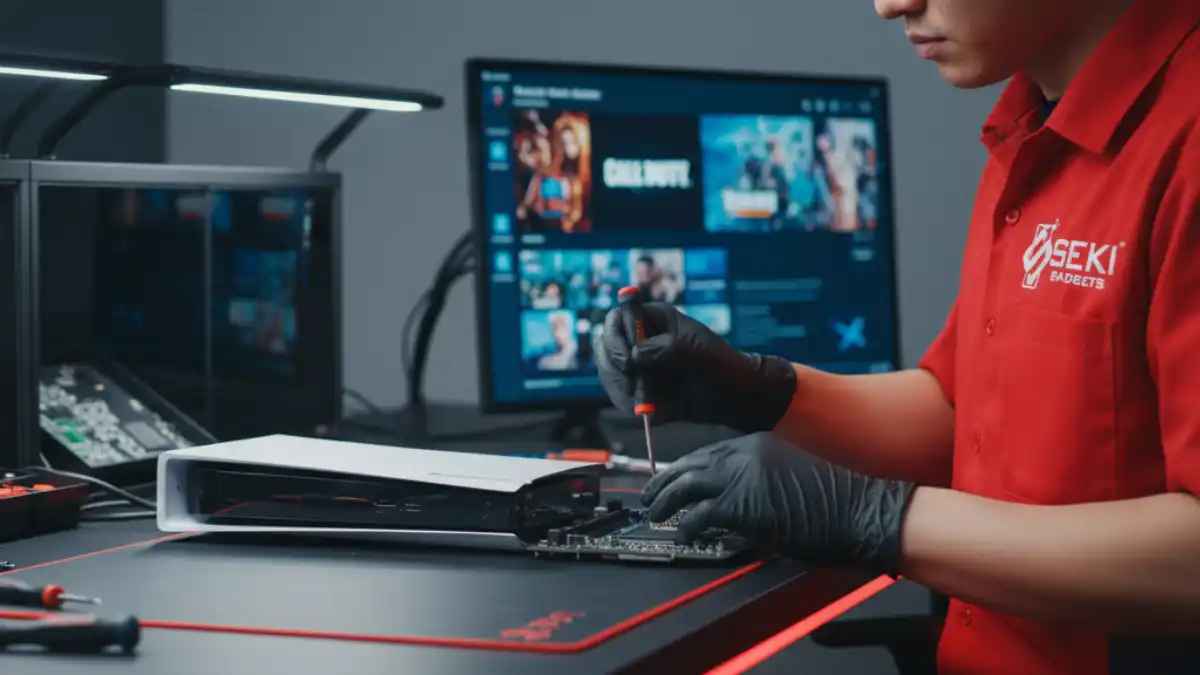
Renewing the liquid metal and cleaning inside the console requires specialised tools and experience. A professional PS5 thermal service includes:
- Old liquid metal removed and fresh liquid metal applied to the chip and heatsink, which is the step that restores heat transfer
- A full strip-down for access to hidden dust in the fan, heatsink, radiators and power supply
- Fan connector repair if it is needed
- Boot and stress testing, with the fan rev-tested and burn-tested
- A diagnostics report
The PS5 uses liquid metal, never thermal paste, and it needs particular care. Because it conducts electricity, stray liquid metal can short the board, which is why this work is best left to a technician.
Finding Your Service Sweet Spot
For most consoles, a professional service every 8 to 12 months (heavy use) or 12 to 18 months (medium to light use) strikes the right balance. It lets a technician check for liquid metal that has moved on the chip and reapply it where needed, and clear dust build-up, so the common causes of overheating can be caught early.
The Hidden Costs of Skipping PS5 Maintenance
Repair vs Prevention: The Math
Here is how the costs compare:
- Seki Gadgets PS5 overheating and cooling service: $175 to $250, depending on model and fault
- Replacement PS5: $919.95 (Digital Edition) or $999.95 (disc) at Australian recommended retail prices since April 2026, according to Press-Start Australia
A console that is serviced early costs a fraction of what it takes to replace one that has been pushed past its limits. Your price is always confirmed in a written quote before we start.
Creating Your Console Cleaning Schedule
Usage-Based Maintenance Frequency
Tailor your maintenance schedule to gaming habits:
- Heavy users: Professional service every 8 to 12 months
- Medium to light users: Professional service every 12 to 18 months
Environmental Factors
Accelerate maintenance schedules if you have:
- A console that stands upright
- Pets (especially cats and dogs that shed hair)
- Carpeted gaming areas
- Smoking in the household
- High-dust environments
- Poor ventilation around the console
Seasonal Considerations
Plan maintenance timing around the Australian year:
- Spring: October and November are our busiest months for overheating PS5 consoles, so book early rather than waiting for the first warm spell
- Before summer: Heat expands and cold contracts, and those seasonal swings can loosen the heatsink screws over time and let the liquid metal shift, so service the cooling system before the warmer months, when a hot room makes the console work harder to stay cool
- Before the school holidays: Get your console in shape before the long summer gaming sessions begin
When to Seek Expert Help
DIY Limitations and Risks
A home teardown risks real damage: the fan connector tears easily, and stray liquid metal can short the board. Sony may also decline a warranty claim on a console that has been opened. Signs you need professional help:
- Persistent overheating despite external cleaning
- Unusual noises that don’t resolve with basic maintenance
- Performance issues affecting gameplay experience
- Visible dust in vents despite regular home cleaning
Choosing Professional Service
Look for technicians offering:
- Specialised gaming console experience
- Liquid metal handling expertise
- A clear diagnostics report
- Boot and stress testing after the service
- A written quote you approve before work starts
Our PS5 cleaning and overheating service covers all of this and carries a 12-month warranty. Seki Gadgets is an independent repairer and is not authorised by Sony. Choosing an independent repairer does not, by itself, remove your rights under the Australian Consumer Law.
Protecting Your Gaming Investment
Regular PS5 maintenance isn’t just about keeping your console clean; it’s about protecting a significant investment while keeping your gaming sessions cool and quiet. The relatively small cost of a professional service helps you avoid the bigger cost of a more involved repair or a replacement console.
Remember: prevention costs far less than repairs. By following a regular maintenance routine and working with qualified technicians when needed, you’re not just cleaning your console; you’re looking after years of gaming enjoyment.
Ready to give your PS5 the care it deserves? Our experienced technicians specialise in gaming console repair and maintenance and can help you plan a service around your gaming habits. Book your PS5 service through our website and keep your gaming sessions smooth and uninterrupted.
Frequently Asked Questions
How often should I clean my PS5?
A professional PS5 clean every 8 to 12 months suits heavy use, and every 12 to 18 months suits medium to light use. In between, keep the vents clear and dust the outside of the console regularly. Opening the console is best left to a professional PS5 cleaning service, because every PS5 uses liquid metal rather than thermal paste and it needs careful handling.
Can I clean my PS5 myself?
Yes, on the outside. Dusting the vents and keeping space around the console is safe and worth doing. Internal cleaning means a full teardown, where the fan connector tears easily and liquid metal must never touch the board, so it is best left to an experienced technician. Any independent servicing, including ours, may affect a Sony warranty claim, so if your PS5 is still under Sony’s warranty, contact Sony first.
What happens if I never clean my PS5?
Over time, the liquid metal between the chip and the heatsink can move, leaving dry spots where heat can’t transfer, and in our workshop that is the most common cause we find in an overheating PS5. Standing the console upright makes it more likely, because gravity pulls the liquid metal down the chip, and seasonal temperature swings can loosen the heatsink screws so it shifts further. Dust build-up in the fan and heatsink restricts airflow and makes it worse, which is why Sony tells owners not to let dust build up in or around the vents. A PS5 that runs too hot shows an on-screen notification, and Sony’s advice is to turn it off and let it cool down; a louder fan is often the first sign. A thermal service renews the liquid metal and cleans the cooling system before it reaches that point.
Will cleaning my PS5 improve gaming performance?
It can help. A professional service renews the liquid metal on the chip and cleans the fan and heatsink, which restores heat transfer and can bring fan noise and overheating warnings back down. A home dust-off can’t do the same, because it can’t reach the liquid metal. Results depend on the fault, and a console that is running normally will not change.