Last updated 10 October 2026
You can mail your phone, tablet or gaming console to Seki Gadgets for repair from anywhere in Australia, and you do not need to wait for a quote before you post it. Book through our mail-in form (it takes roughly two minutes), and your confirmation email gives you the packing instructions and parcel locker address straight away. Post it the same day, and we quote on arrival so you can approve or decline. We aim to diagnose within 1 business day of arrival, and we are backed by 400+ five-star Google reviews.
Sending a device you rely on to people you have never met is a big ask. This guide shows exactly what happens at every step, what to pack, what to avoid, and what it costs, so nothing about the process is a surprise.
Ready to start? Book or Request a Quote
What Does Mail-In Repair Involve?
Mail-in repair means you post your device to our workshop instead of visiting. We are an independent family-owned repair workshop in Canberra, and we handle regional New South Wales, interstate and remote customers the same way: you book online, we email instant instructions, you post, we diagnose, quote, repair and send the device back.
It suits you if:
- You live outside Canberra and have no one local who can do the repair.
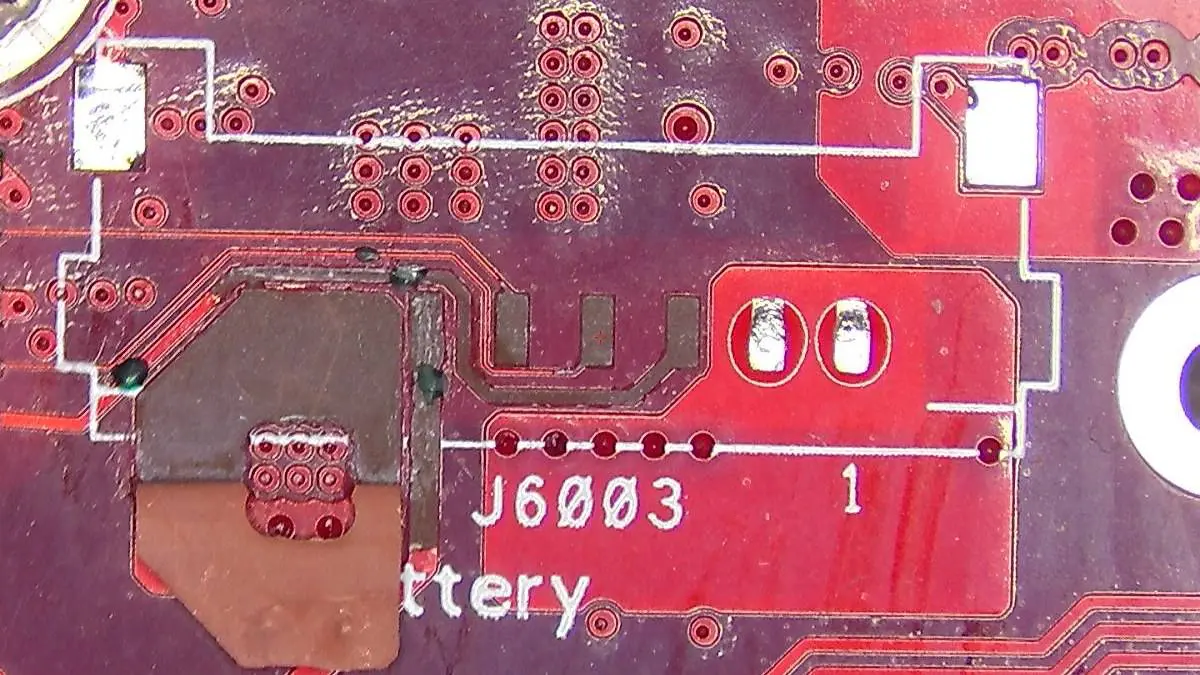
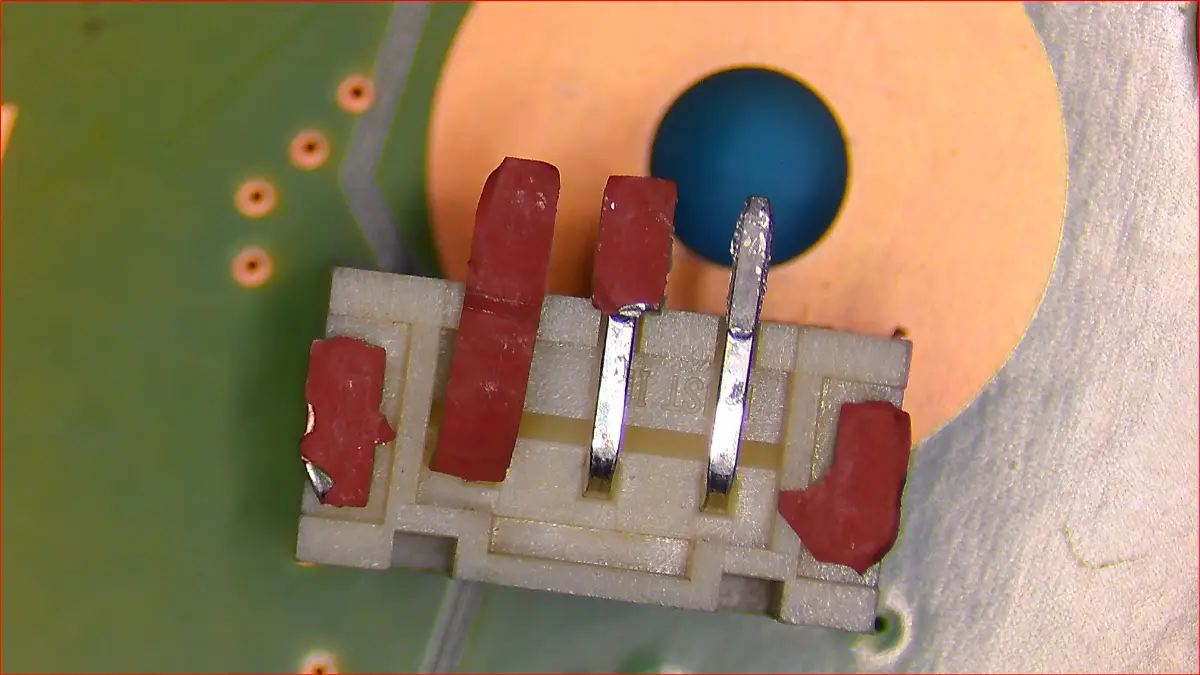
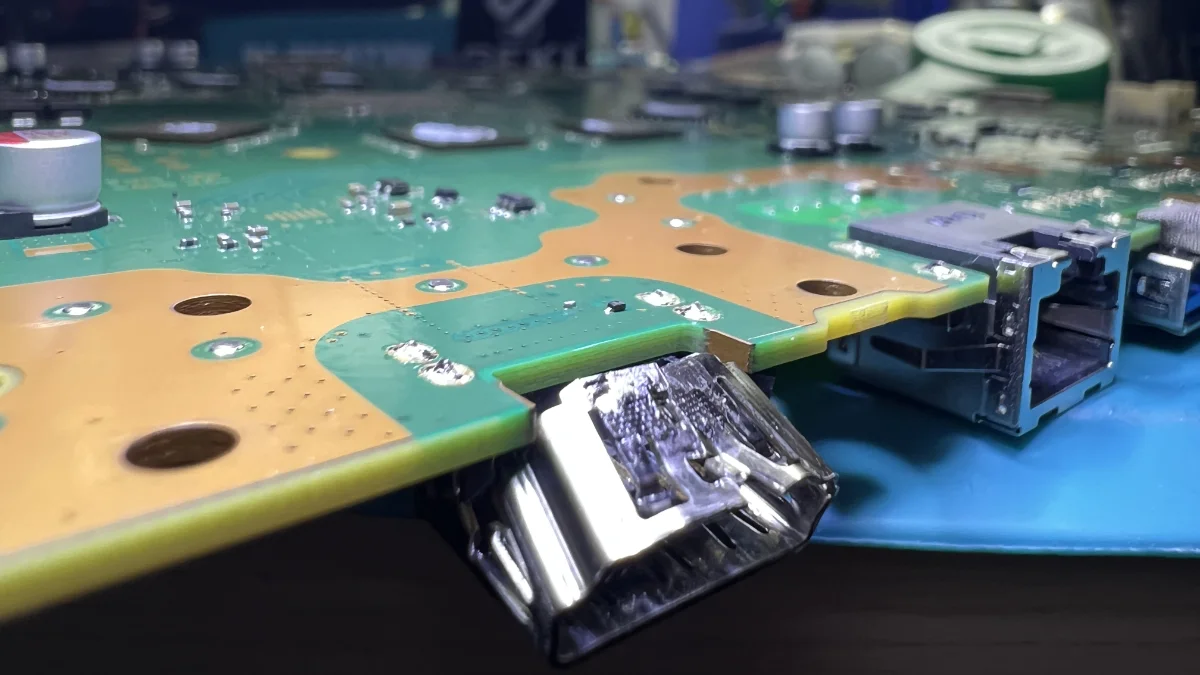
- Your console has an HDMI, overheating or board-level fault that local shops have turned away.
- Your phone or tablet needs board-level microsoldering.
- You would rather not drive for an appointment.
Which Devices Can You Mail to Us?
| Device | What we accept by post |
|---|---|
| Phones | Apple, Samsung, Google, OPPO, Huawei, Xiaomi, ASUS and OnePlus |
| Tablets | Apple and Samsung |
| Gaming consoles | PlayStation 4 and PlayStation 5 series, Xbox Series X and Series S, Nintendo Switch, Switch Lite and Switch OLED |
If your device is not listed, send an estimate request before you post anything. Some other brands are accepted on a case-by-case basis. Older consoles such as the PS3 and Xbox 360 are outside our scope, and we will point you to a specialist who can help.
See our phone repairs, tablet repairs and console repairs pages for the faults we repair.
How Do You Mail a Device for Repair? Step by Step
Step 1: Back Up and Prepare Your Device
Back up your photos, contacts and messages first. Some repairs carry a risk of data loss, and a backup is the only real protection. Then follow our Device Service Preparation Guide for your phone or tablet: turn off Find My (or Find My Device) and sign out of your accounts so we can test the device after the repair. If the device will not power on, complete as many steps as you can.
Step 2: Book Your Repair Online
Open the mail-in form, choose your device and repair, and select the option to mail your device. If a price is shown you can book straight away. If not, request a quote and we will email a personalised one.
Your booking records your return address, any optional Express service or return insurance, and your agreement to the mail-in terms. No payment is taken at booking. We invoice you when the repair is complete.
Step 3: Read Your Instant Confirmation Email
The moment you book, we email the parcel locker address, the packing instructions and the shipping rules. There is no waiting for a reply from us, so you can pack and post as soon as you are ready.
Step 4: Pack the Device Only
Send the device itself. Please do not send chargers, cables, SIM cards, SD cards, cases, covers or other accessories unless we have asked you to. We have all the testing tools and cables we need at the workshop.
Use the packing checklist below.
Step 5: Add a Note Inside the Parcel
Write your name, device, return address and contact number on a note and put it inside the parcel. It lets us match your device to your booking the moment it arrives.
Step 6: Post With Australia Post, Tracked and Without Signature
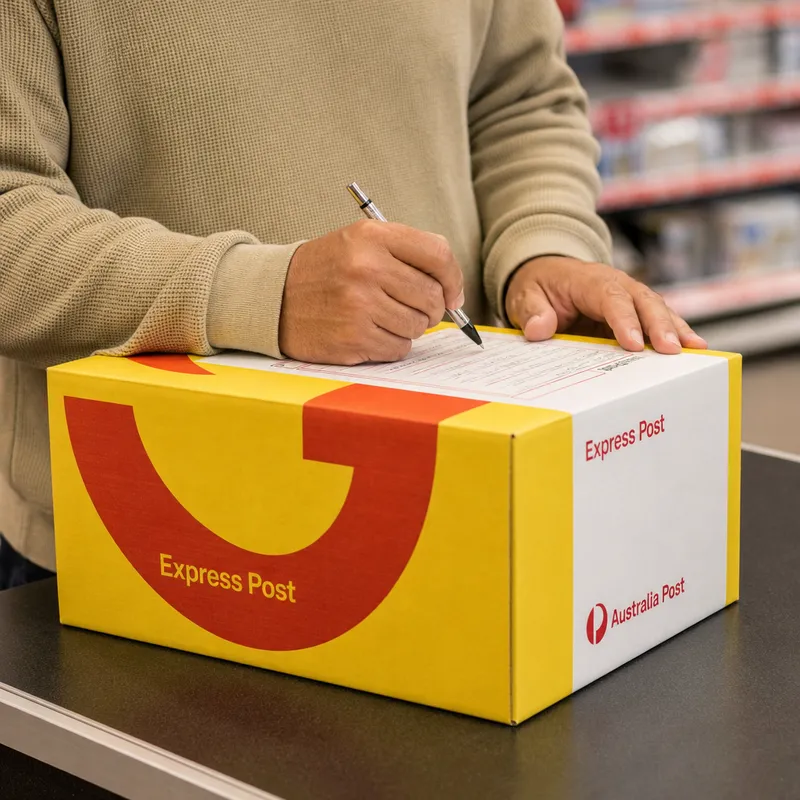
Take the parcel to your nearest Australia Post outlet and send it to the parcel locker address in your confirmation email. Ask for tracking, and do not request signature on delivery. See the next section for why this matters.
Step 7: We Check In, Diagnose and Quote
When your parcel arrives, we check the device in and create your repair ticket. We then diagnose it and email your quote. If it matches your indicative quote we can move straight on. If the cost differs, you get a revised quote explaining what is needed and why. Nothing is repaired until you approve it.
If you decide not to go ahead, we send the device back. A diagnostic fee and return postage apply in that case, which you accept when you tick the mail-in terms at booking. You can read them in our Booking Terms and Conditions.
Step 8: Repair, Payment and Return
Once you approve the quote we repair and test your device, then email an invoice with secure payment options. After payment, we send the device back by Australia Post Express with tracking and signature on delivery, and email you the tracking details.
Packing Checklist for Mailing a Device
Tick these off before you seal the box. For general advice, see Australia Post’s packaging tips:
- Device backed up and prepared using our preparation guide
- Device powered off
- Device wrapped in a generous layer of soft bubble wrap, covering every side
- Sturdy cardboard box, not a prepaid satchel envelope (satchels crush easily)
- Soft foam chips or balled paper filling any gaps, so the device cannot move
- Extra packing tape over all carton seams and flaps
- Note inside with your name, device, return address and contact number
- No chargers, cables, SIM cards, SD cards, cases or accessories inside
- Parcel locker address copied exactly from your confirmation email
Which Box Size Suits Your Device?
| Device | Recommended Australia Post box |
|---|---|
| Smartphone | BX1 or BX6 |
| Tablet or iPad | BX2 |
| Switch, Switch Lite or Switch OLED | BX1 (a shoe-box sized box) |
| PS4, PS5, Xbox Series X or Series S | Extra Large (a small suitcase sized box) |
For consoles, wrap the unit in a good layer of bubble wrap first. The original console box also works if it is still sturdy, and we return it with the console.
Why Australia Post Only, and Why No Signature?
Our mail-in address is an Australia Post Parcel Locker.
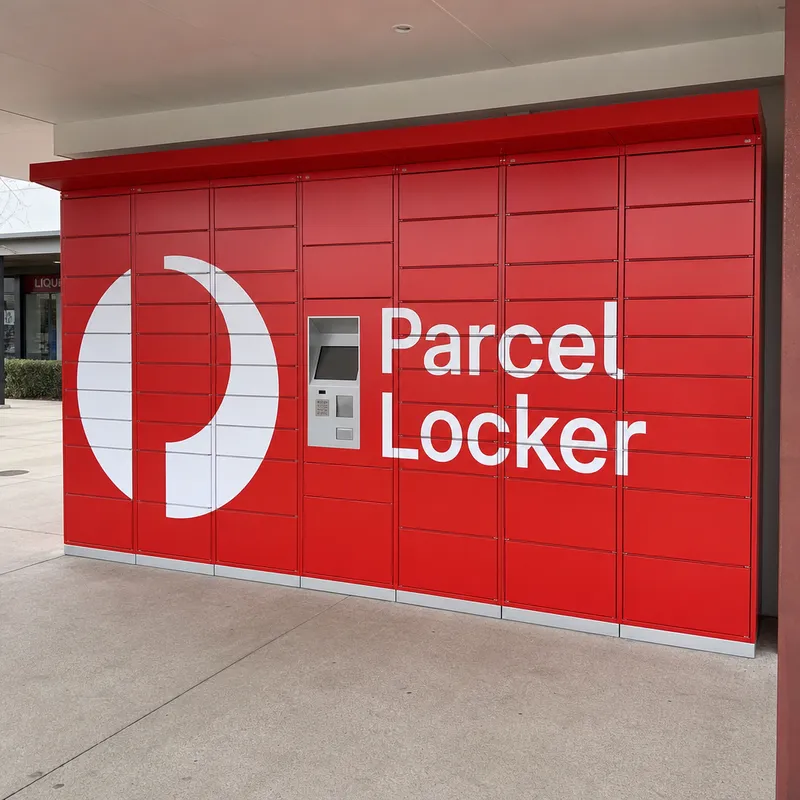
That has two consequences you need to get right:
- Australia Post only. Other couriers cannot deliver to a parcel locker.
- Tracking, but no signature on delivery. A locker cannot collect a signature, so a parcel that requires one is returned to you.
Transit cover is optional but highly recommended. You can add Australia Post extra cover when you lodge the parcel, and you can add optional extra cover for the return journey when you book.
How Long Does Mail-In Repair Take?
Most repairs are completed within 1 to 2 working days, based on our live workshop queue. Add Australia Post transit time each way for the total.
| Stage | What to expect |
|---|---|
| Your posting time | Set by Australia Post for your postcode |
| Diagnosis after arrival | We aim for within 1 business day (Express: same day where the device arrives before 12 pm) |
| Repair after you approve | The average is 2 business days |
| Return journey | Australia Post Express with tracking and signature on delivery |
We work Monday to Friday, so “business days” excludes weekends and national public holidays. Some repairs take longer than average, and we tell you upfront when that applies.
Optional Express service prioritises your repair. It is not available for logic board repairs, board-level microsoldering or data recovery, although HDMI port replacements are eligible.
What Does Mail-In Repair Cost?
| Cost | Who pays and when |
|---|---|
| The repair | The price on your quote, which you approve before any work starts |
| Postage to us | You, when you lodge the parcel |
| Return shipping | A flat fee shown in your booking total, covering Australia Post Express with tracking and signature on delivery |
| Diagnostic fee | Waived when you go ahead with the repair |
| Optional extras | Return insurance and Express service, shown at booking |
Phone and tablet logic board repairs and data recoveries work differently: a non-refundable attempt fee applies instead of the standard diagnostic fee. We state this at booking and on your quote, so it is never a surprise.
What Warranty Do Mail-In Repairs Have?
Warranty depends on the repair, not on how the device reached us.
| Repair | Warranty |
|---|---|
| Component repairs such as charging ports, HDMI ports and speakers | Lifetime |
| Screens with OEM or refurbished panels | Lifetime |
| Screens with aftermarket panels | 2 years |
| Board-level microsoldering workmanship on phones, tablets and consoles | Lifetime |
| Batteries, thermal services and cleaning | 12 months |
| Liquid damage, physical damage, data recovery and software services | Not covered |
We fit genuine OEM parts where available and quality-tested aftermarket where they are not. Your quote tells you which applies.
Five Mail-In Mistakes to Avoid
- Posting a satchel or thin box. Parcels get stacked and squeezed. Use a sturdy carton with padding on every side.
- Requesting signature on delivery. The locker cannot take one, and the parcel will come back to you.
- Skipping the backup. Repairs can involve a reset, and a backup protects your photos and messages.
- Leaving Find My on. It blocks testing after the repair. Turn it off using our preparation guide.
- Leaving out the note. Your name, device, return address and phone number inside the parcel is the fastest way for us to match it to your booking.
If your phone has been exposed to liquid, do not charge it, and post it promptly. Our guide to water damage explains why time matters.
Can You Recover Data From a Mailed Device?
Data recovery is available for iPhone and iPad data recovery only. We do not offer it for Android devices, consoles or computers. A non-refundable attempt fee applies, and data recovery is not covered by warranty.
Frequently Asked Questions
Can I mail my phone, tablet or console to you for repair from anywhere in Australia?
Yes. We repair phones, tablets and selected gaming consoles by post for customers anywhere in Australia, including regional and remote areas. You book online through our mail-in form, post your device to our Australia Post parcel locker, and we return it by Australia Post Express with tracking and signature on delivery. If your device is not on our list, send an enquiry first.
Do I need to wait for a quote or ticket number before I post my device?
No. Book online first, and your confirmation email gives you the packing instructions and parcel locker address straight away, so you can post the same day. We create your repair ticket when the device arrives, diagnose it, and send your quote for you to approve or decline. Booking first matters because it gives us your return address and tells us whose device is on its way.
How long does a mail-in repair take?
We aim to diagnose your device within 1 business day of arrival, and the average repair takes 2 business days after you approve the quote. Express bookings receive same-day diagnosis where the device arrives before 12 pm. Add Australia Post transit time each way for the total.
How much does mail-in repair cost?
You pay the repair price on your quote, plus a flat return shipping fee that is shown in your booking total. You also cover the postage to send your device to us. Our diagnostic fee is waived when you go ahead with the repair, and optional extras such as return insurance or Express service are shown at booking. No payment is taken at booking, and we invoice you when the repair is complete.
Is my device insured while it is in the post?
Australia Post Express includes basic carrier compensation for the return journey, and you can add optional extra cover when you book. For the trip to us, we highly recommend adding Australia Post transit cover when you lodge your parcel. Good packaging is your best protection, so follow the packing checklist above.
What warranty do mail-in repairs have?
Warranty depends on the type of repair. Component repairs such as charging ports and HDMI ports, and screens with OEM or refurbished panels, are backed by our lifetime warranty. Screens with aftermarket panels carry a 2-year warranty, and batteries, thermal services and cleaning carry 12 months. Liquid damage, physical damage, data recovery and tampering after repair are not covered.
Can I mail a water-damaged phone or tablet?
Yes. Tell us about the liquid exposure when you book, do not charge or power the device on, and post it as soon as you can because corrosion keeps progressing. Liquid damage needs our dedicated water damage treatment, which has its own fee. The outcome depends on the extent of the damage, and liquid damage is not covered by warranty.
Can you recover data from a device I mail in?
Data recovery is available for iPhones and iPads only. We cannot offer it for Android devices, consoles or computers. A non-refundable attempt fee applies to data recovery, and the result depends on the condition of the device.
Ready to Post Your Device?
Prepare, book, pack, post and track. That is the whole process, and the booking is the only step that needs anything from us. Once it is done, your instructions arrive in your inbox immediately, and your device is in the hands of a family-run workshop that backs its work with 400+ five-star Google reviews and a warranty matched to every repair.